Turn any image into an editable pixel bead design
PixelDou is an image-to-bead product experience. Users upload a photo, refine the layout in an editor, start from templates, and generate a bead-ready digital export inside the service.
Input
Portraits, pets, objects
Editing
Crop, palette, grid tuning
Outputs
Pattern, palette, export files
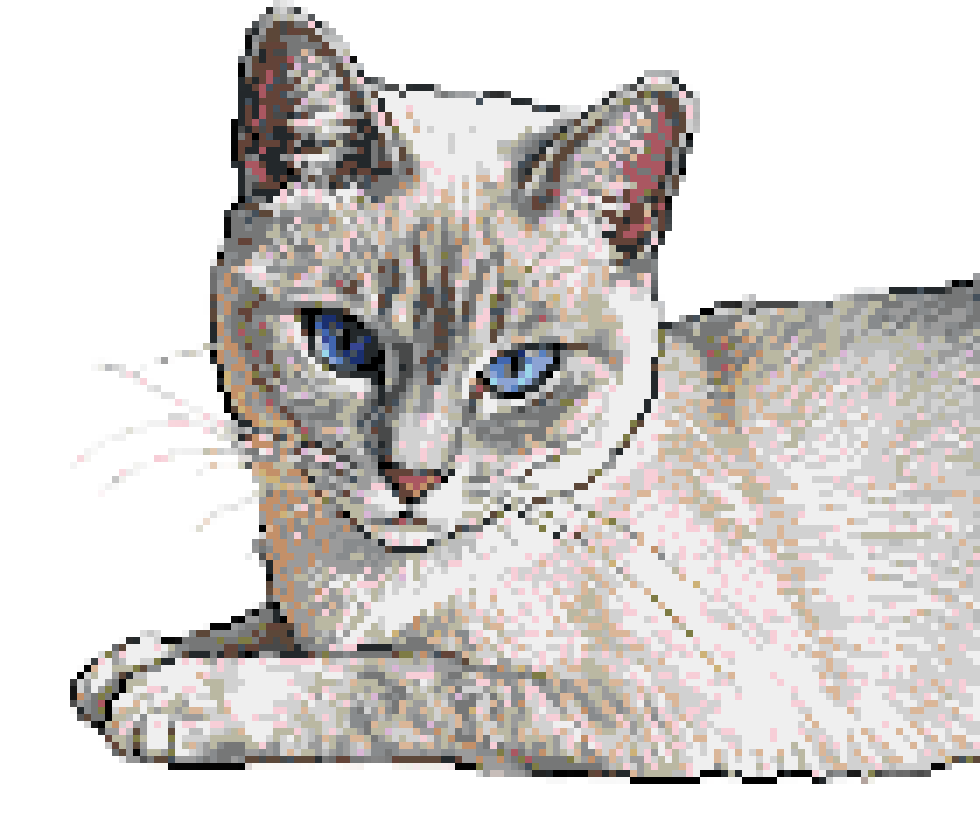
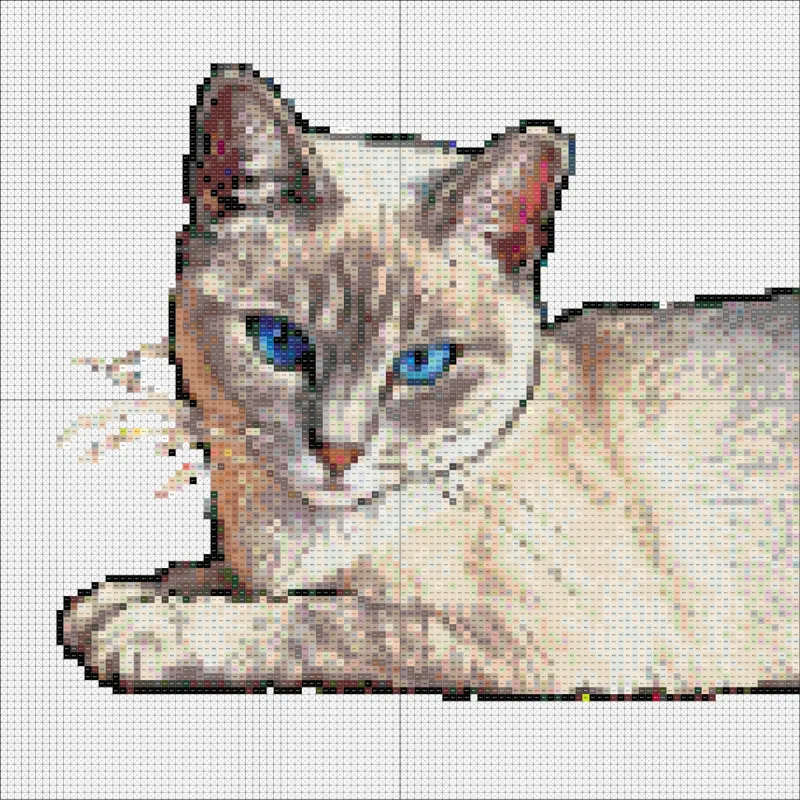
Example screens and output previews
The gallery now reads like a product story instead of a placeholder moodboard, showing how upload, editing, templates, and export fit together in one flow.
Upload a reference image
Drag, paste, or browse your source
subject
Auto-detected
output size
64 x 64 beads
intake checks
palette preview
18 colors
next
Send to editor and keep the live bead preview visible.
Step 1
Upload a reference image
Start from portraits, pets, product shots, or clean illustrations that translate well into bead layouts.
Live bead preview
Crop, simplify, and check readability
Controls
Palette
quality check
Fewer muddy midtones, cleaner silhouette, and a more legible pattern at print size.
Step 2
Edit in the workbench
Refine crop, palette count, and readability while keeping the bead result visible at every step.
From source image to editable bead output.
The workflow is simple: upload an image, adjust the bead layout, and export the finished design package online.
Upload the source image
Users will upload a portrait, pet photo, illustration, or object reference as the starting point.
Adjust the pixel bead layout
The editor will help refine crop, grid size, palette depth, and overall readability for bead output.
Export the final design
Customers will be able to export a pattern package, save design settings, and continue working inside the online service.
Choose your plan.
USD
200 credits · about 100 images per month
Includes
USD
800 credits · about 400 images per month
Everything in Basic, plus
Common questions before the editor goes live.
The current site already explains the product concept, workflow, support, pricing direction, and legal information.